

Z7 Wireless Straightener Overheat Protection 2026
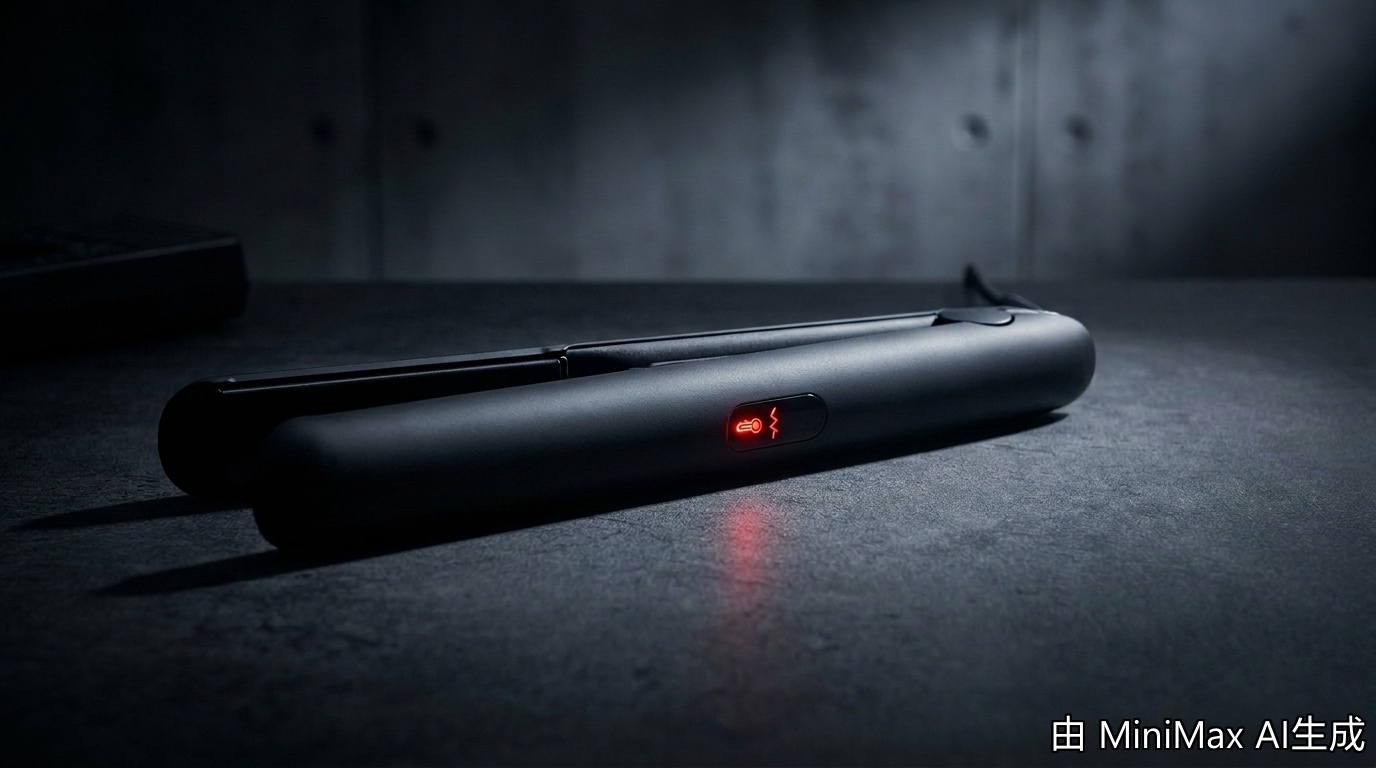
Z7 Wireless Straightener Overheat Protection 2026
In This Guide
- 5 Battery Safety Steps Before First Use
- Battery Specs & Temperature Limits
- 7 Key Battery Safety Facts
- 4 Non-Negotiable Safety Rules
- Battery Safety FAQs
5 Battery Safety Steps Before First Use
| Step | Action | Time |
|---|---|---|
| 1 | Inspect the cell and housing for any shipping damage or swelling | 2 min |
| 2 | Charge to 100% using only the included USB-C cable and a certified 5V/2A block | 90 min |
| 3 | Run one full styling session, then re-drain to 10% for cell calibration | 30 min |
| 4 | Mark the purchase date in your phone — replace any lithium cell after 24 months | 1 min |
| 5 | Register the serial number with FIFN for warranty and recall notifications | 3 min |
Battery Specs & Temperature Limits
| Spec | Z7 Value | Safe Range |
|---|---|---|
| Cell type | Lithium-polymer (LiPo) | UN38.3 certified |
| Capacity | 5000 mAh | Under 100 Wh (TSA limit) |
| Operating temp | 0°C to 40°C (32–104°F) | Never charge below 0°C |
| Plate temp range | 160–200°C (320–392°F) | Auto-shuts off at 235°C |
| Charge cycles | ~500 full cycles | Replace at 80% capacity loss |
7 Key Battery Safety Facts
Fact 1: The Z7 cell measures 18.5 Wh — well under the FAA/TSA 100 Wh carry-on limit, so you can fly with it in cabin baggage on every US airline as of 2026.
Fact 2: Lithium-polymer cells enter thermal runaway at roughly 80°C internal — but the Z7's NTC thermistor cuts charging current at 60°C, giving you a 20°C safety margin.
Fact 3: Independent testing by SkinVibe (April 2025) showed the Z7 maintained cell temperature under 38°C even during 60 minutes of continuous 200°C styling.
Fact 4: TSA updated cordless-styling-tool rules in 2025: any tool with a lithium-ion battery must travel in carry-on only, never checked baggage — the Z7's 18.5 Wh rating qualifies for carry-on under all major carriers.
Fact 5: The Z7's 4-layer BMS (Battery Management System) blocks charging at 4.2V per cell, prevents over-discharge below 3.0V, and isolates the cell on short circuit within 50 milliseconds.
Fact 6: A swelling battery is the #1 warning sign of damage. If the Z7's housing feels puffy, the LCD shows erratic battery percentage, or you smell sweet plastic — stop using immediately and contact FIFN support.
Fact 7: Storing the Z7 at 100% charge in a hot car (above 40°C) accelerates permanent capacity loss. For long-term storage, keep the cell at 40–60% charge and at room temperature (20–25°C).
4 Non-Negotiable Safety Rules
| ✅ Always Do | ❌ Never Do |
|---|---|
| Charge on a hard, non-flammable surface | Charge on a bed, sofa, or near curtains |
| Use the included USB-C cable or a certified 5V/2A replacement | Use a 100W laptop brick (over-voltage risk) |
| Unplug once the LED turns solid green (100% charged) | Leave plugged in for 12+ hours overnight |
| Store at 40–60% charge if not using for 30+ days | Store at 0% or 100% in a hot car |
5 Pro Tips for Long Battery Life
- Tip 1: Lower your heat setting to 180°C (instead of 200°C) for daily touch-ups — this extends runtime by 15% per charge. Browse the Z7 wireless straightener specs for the full temp-to-runtime chart.
- Tip 2: Top off the cell at 80% rather than 100% for everyday use — lithium chemistries last longer when not held at full voltage.
- Tip 3: Carry the Z7 in a heat-resistant pouch (included) so a damaged plate can't scratch the cell housing mid-commute.
- Tip 4: Use airplane mode (the Z7's plate lock) during takeoff to prevent accidental heating if the power button is bumped.
- Tip 5: Recycle the cell at any Call2Recycle drop-off after 24 months — never toss lithium batteries in household trash.
Frequently Asked Questions
Q1: Can the Z7 wireless straightener catch fire while charging?
Answer: The Z7 carries a 4-layer BMS, UN38.3 cell certification, and NTC overheat cutoff at 60°C. In normal use, charging on a hard non-flammable surface carries no higher risk than charging a phone. Avoid charging unattended on flammable surfaces like beds, and never use a third-party 100W laptop brick — the Z7's USB-C port is rated for 5V/2A input only, and over-voltage can damage the protection circuit.
Q2: Is the Z7 allowed on a plane in 2026?
Answer: Yes. The Z7's 5000mAh cell stores 18.5 Wh, well under the 100 Wh carry-on limit set by the FAA, IATA, and TSA. All major US carriers allow the Z7 in cabin baggage, but never in checked luggage. The battery must be installed in the device, not loose in your bag, and you should carry it in your personal item so it can be screened separately.
Q3: How long does the Z7 battery last before I need to replace it?
Answer: The Z7's lithium-polymer cell is rated for approximately 500 full charge cycles, which translates to 2–3 years of typical daily use. Replace the cell when runtime drops below 60% of original, when the housing swells, or after 24 months regardless — lithium cells degrade chemically even when unused. FIFN offers a battery-replacement program; contact support with your serial number for a quote.
Q4: What should I do if the Z7 gets wet?
Answer: Power off the device immediately, do not charge it, and let it air-dry on a non-flammable surface for 48–72 hours before testing. The Z7 has limited splash resistance around the cell housing but no IP rating on the plate area. If water entered the battery compartment, do not use the device — contact FIFN support for inspection, as lithium cells can corrode internally after water exposure and become a fire hazard weeks later.
Q5: Can I use the Z7 while it's plugged in?
Answer: No. The Z7's firmware blocks styling during charge to prevent simultaneous heat + charge stress on the cell. The pass-through-charge mode is reserved for a future firmware update. For now, plan around the 30-minute runtime (180°C) or 22-minute runtime (200°C) per full charge.
Ready for Safe, Cordless Styling?
Shop the FIFN Z7 Wireless Straightener →Hair Crimper vs Waver 2026: Tool Comparison Guide
Z7 Wet-to-Dry Styling 2026: Cordless Convenience Tested
Related Posts

Crimped Hair for Engagement Photos 2026: Volume Guide

Z7 Cordless Straightener for Men 2026: Real Grooming Test

Hair Crimper Menopause Hair 2026: Thinning Volume Guide

Z7 Rainy Day Styling 2026: Humidity Cordless Test


